Screen CaptureBY WAQAR ALI
SnapFlow.
Screenshot & Screen Recorder for Mac
Capture. Create. Share.
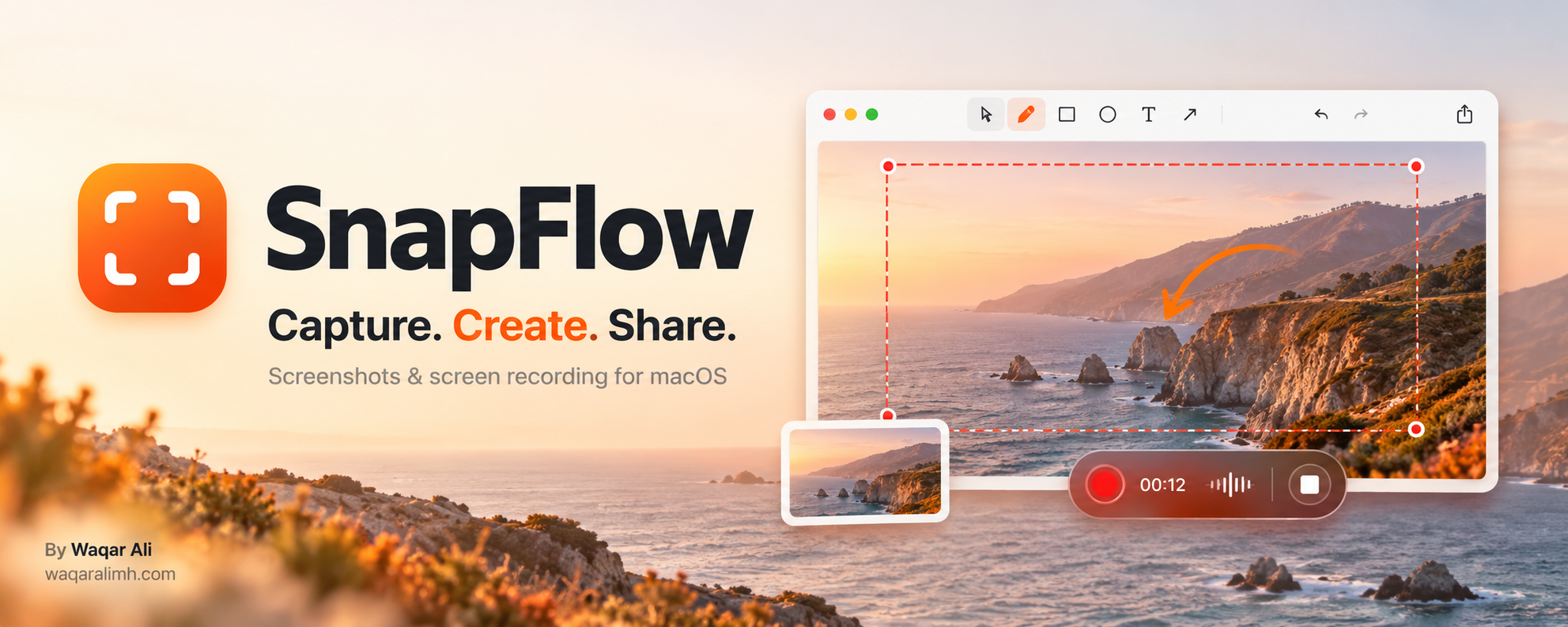
TAKE A CLOSER LOOKSnapFlow · Product preview
A little less effort.
A lot more possibility.
Capture screenshots and record your screen with SnapFlow, a native macOS app by Waqar Ali. Annotate images, edit recordings, and keep your captures organized locally. Customize keyboard shortcuts, clipboard copying, save folders, and what happens after each capture.
02 / THE DETAILS
17 featuresBuilt to do the work.
- Capture an area, window, or full display
- Drag and release to capture instantly
- Record your screen, a window, or a selected area
- Red recording border and green pause indicator
- Record system audio, microphone, and webcam
- Annotate screenshots with arrows, shapes, text, and highlights
- Crop, resize, blur, pixelate, and redact images
- Trim recordings and export videos or GIFs
- Extract text from images with local OCR
- Create long screenshots by stitching images manually
- Customize keyboard shortcuts
- Automatically copy screenshots to the clipboard
- Choose whether captures open in the editor
- Set separate save folders for screenshots and videos
- Keep an optional searchable capture history
- Clear history without deleting saved files
- Keep captures local on your Mac