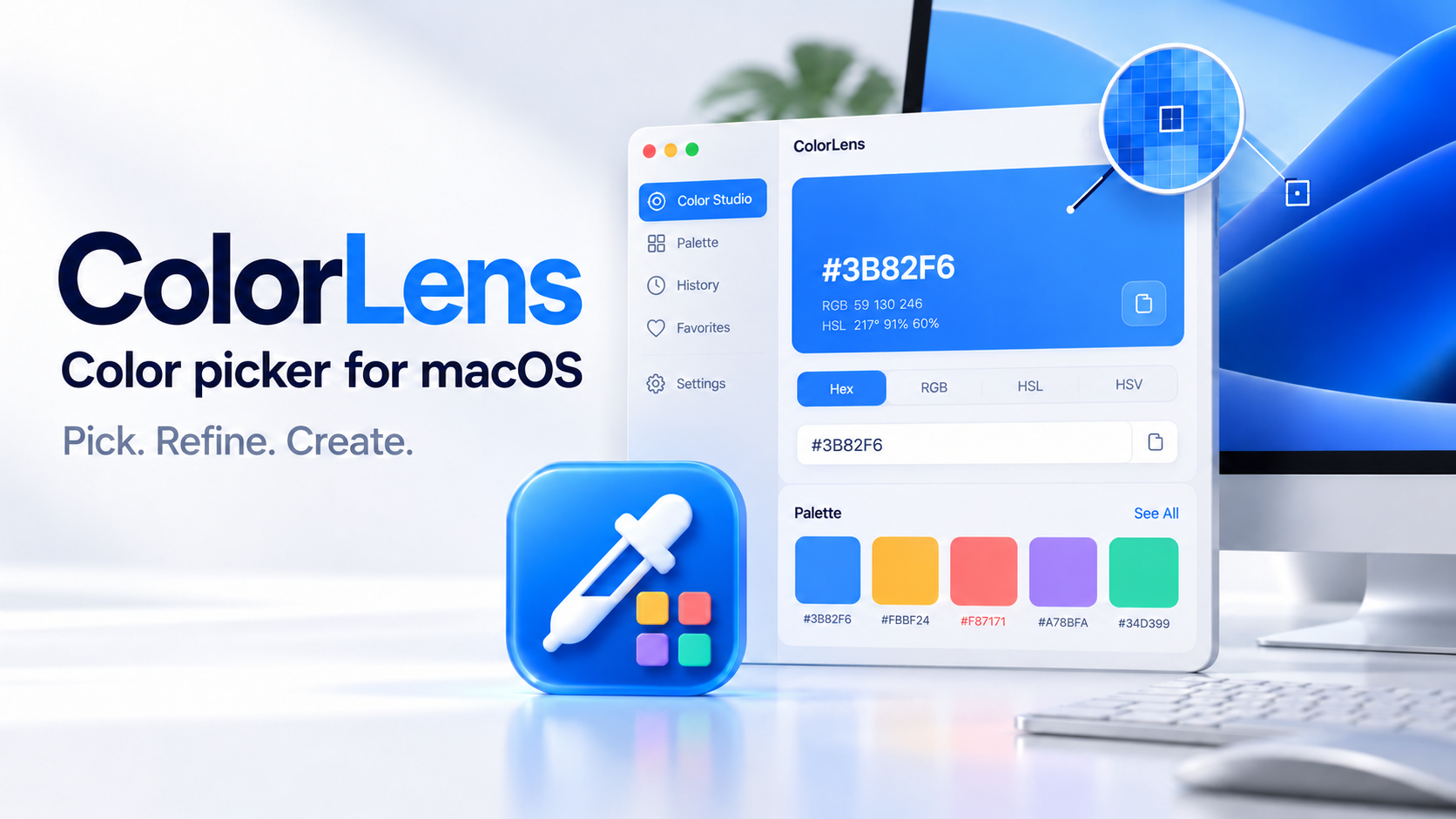
ColorLens
Color Picker for macOS
Pick. Refine. Create.
ColorLens is a native macOS color picker for designers and developers.
- Screen color picking with magnified preview
- Customizable global keyboard shortcut
- Automatic clipboard copying
Small, considered tools for the things you do every day. Capture, create, and get back to what matters.
Find your next everyday essential
Color Picker for macOS
Pick. Refine. Create.
ColorLens is a native macOS color picker for designers and developers.
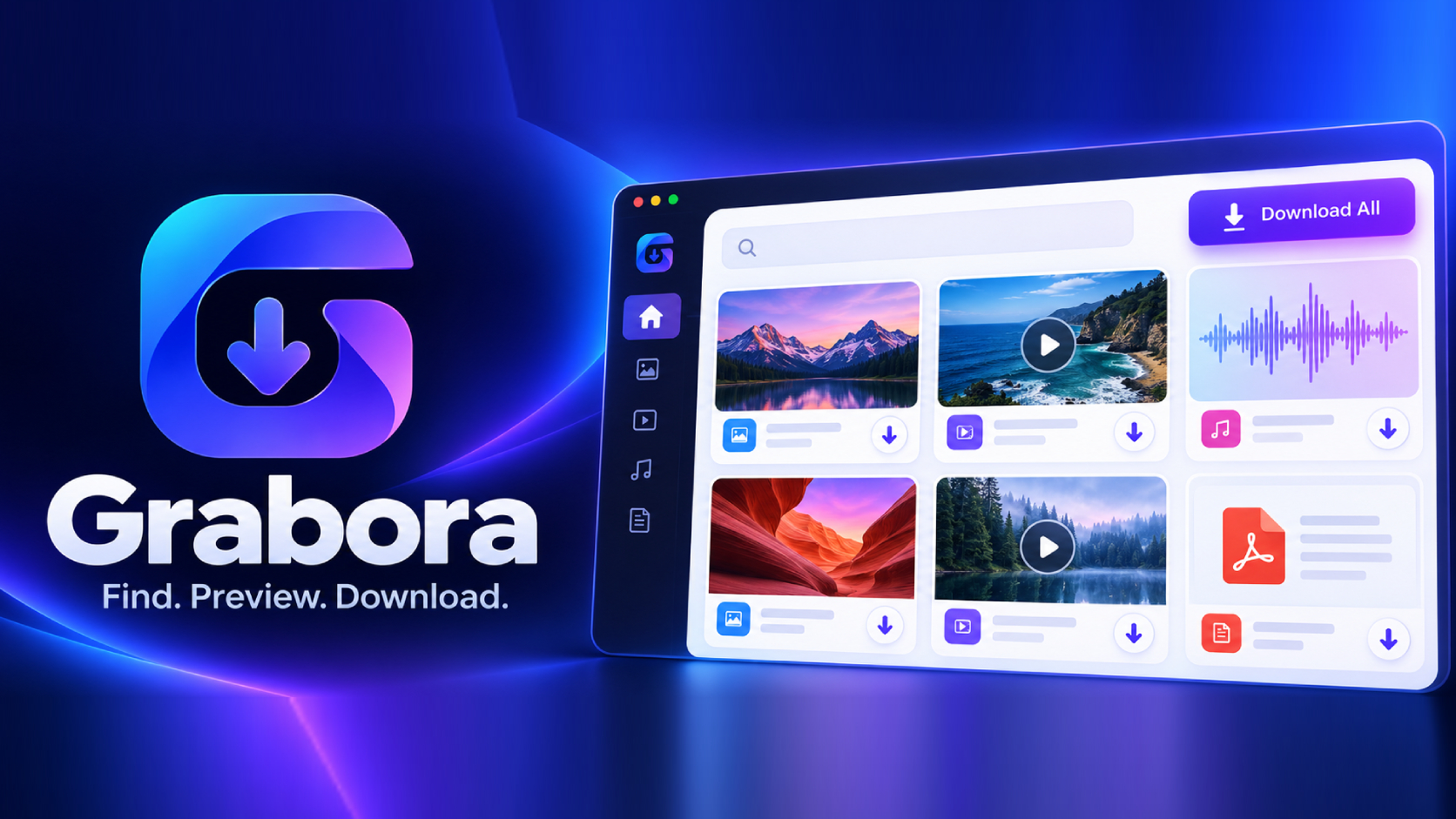
Media Downloader
Find. Preview. Download.
Grabora helps you discover and download media from the webpage you’re viewing.
Screenshot & Screen Recorder for Mac
Capture. Create. Share.
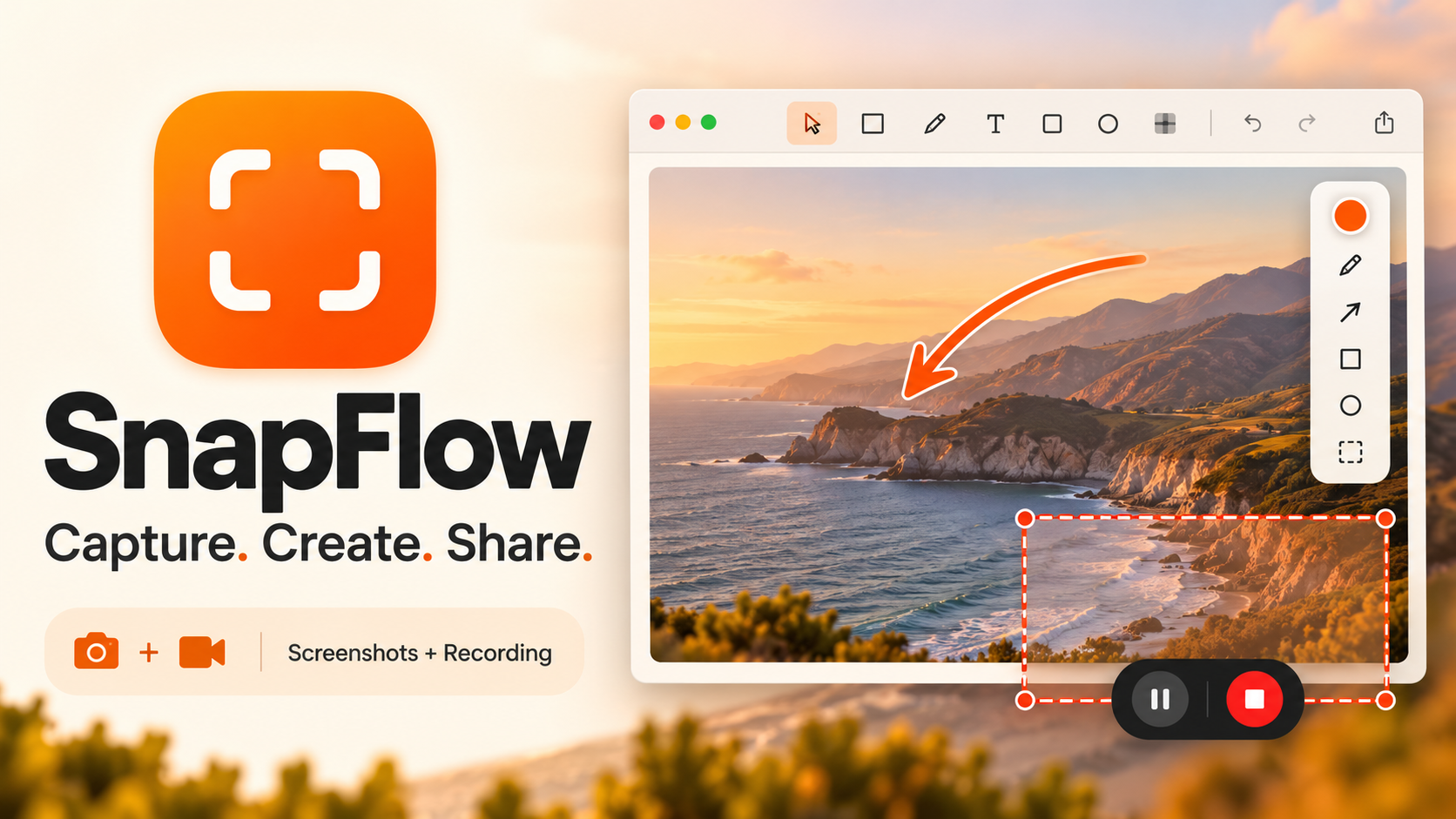
Capture screenshots and record your screen with SnapFlow, a native macOS app by Waqar Ali .
Native macOS OCR
Your text, unlocked.
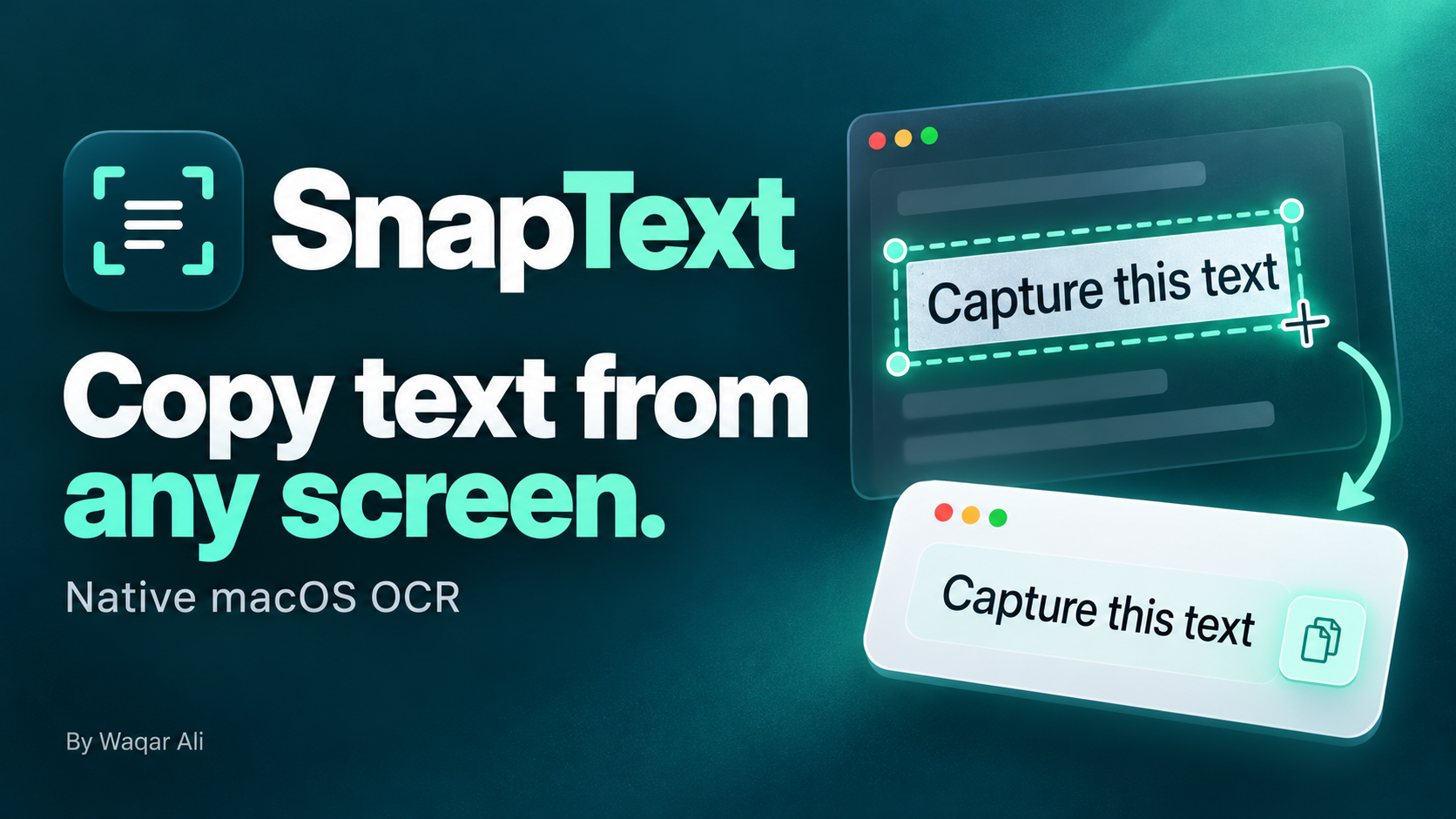
Copy text from your screen, images, and PDFs with SnapText—a native macOS OCR app.
Video Downloader for Mac
A link. A video. Yours to keep.
ClipVault makes saving publicly accessible videos to your Mac simple.
Have a question, an idea, or something you’d love to see improved?
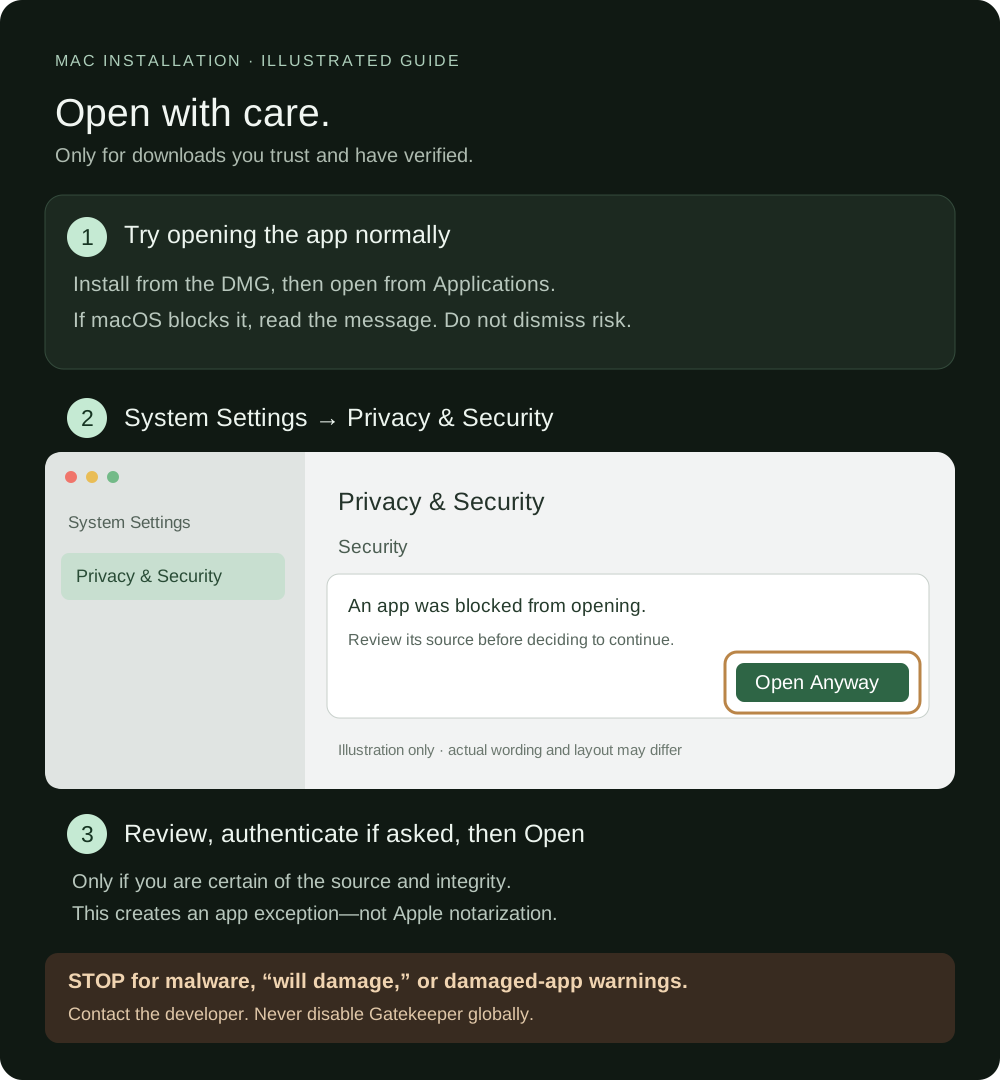
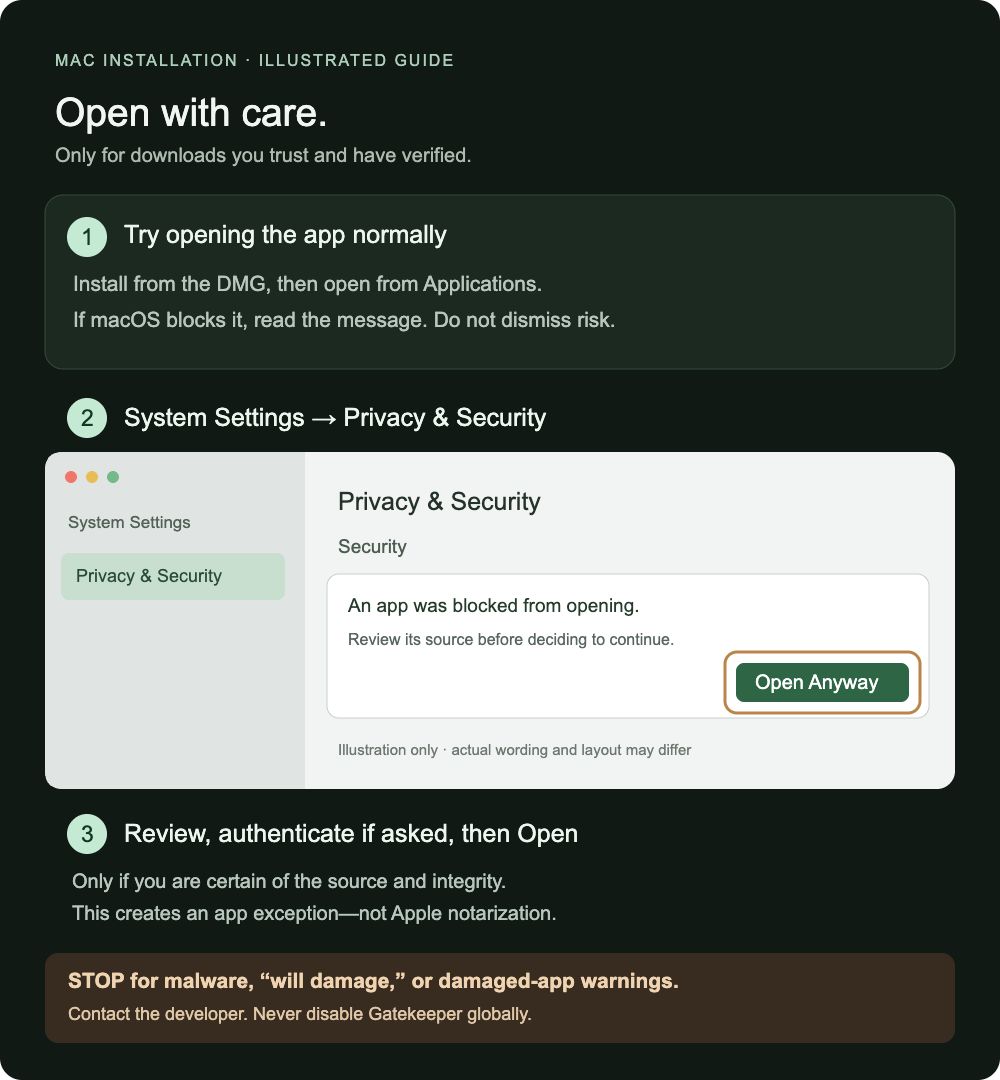
These Mac apps are not notarized by Apple, so macOS may show a developer-verification warning. Download only from this website and review the guidance below before opening an app. Do not interpret this page as an independent security audit or an Apple endorsement.
Use these steps only if you are confident the download is from a trustworthy source and has not been altered. Otherwise, stop and contact the developer or choose an alternative.
Stop for malware, damage, or tampering warnings. Do not use this procedure to work around a “will damage your computer” or damaged-app warning. Contact the developer. Never disable Gatekeeper globally.
Controls and wording vary by macOS version. Managed Macs may prevent overrides; ask your administrator. Permission prompts for screen recording, microphone, or accessibility are separate—grant only the permissions needed for a feature you choose to use.
Apple’s official safe-opening instructions ↗Developer ID signing identifies the developer. Apple notarization adds automated security checks; it is separate from App Store review and is not a guarantee that software can never be harmful. Enrollment alone does not sign or notarize existing downloads.
Discuss supporting enrollment ↗US$99 / membership year
Apple’s published Developer Program fee, checked 18 October 2026. Regional prices and applicable taxes vary; currency conversion or card fees may add to the total. Apple shows the final purchase amount. This is not a per-app installation fee, and no payment is collected here.
After approval: create the Developer ID certificate, sign and test the release, submit it for notarization, and staple the accepted ticket before redistributing. Renew membership as required.